
9:16 Face Tracking
MediaPipe active-speaker tracking follows human faces across wide video frames automatically. Never rely on clumsy center crops again.
Local AI highlight detection, MediaPipe face-tracking 9:16 reframe, karaoke caption studio, and direct YouTube Studio publishing. No cloud queue, and video files stay on your disk unless you connect a cloud AI provider.
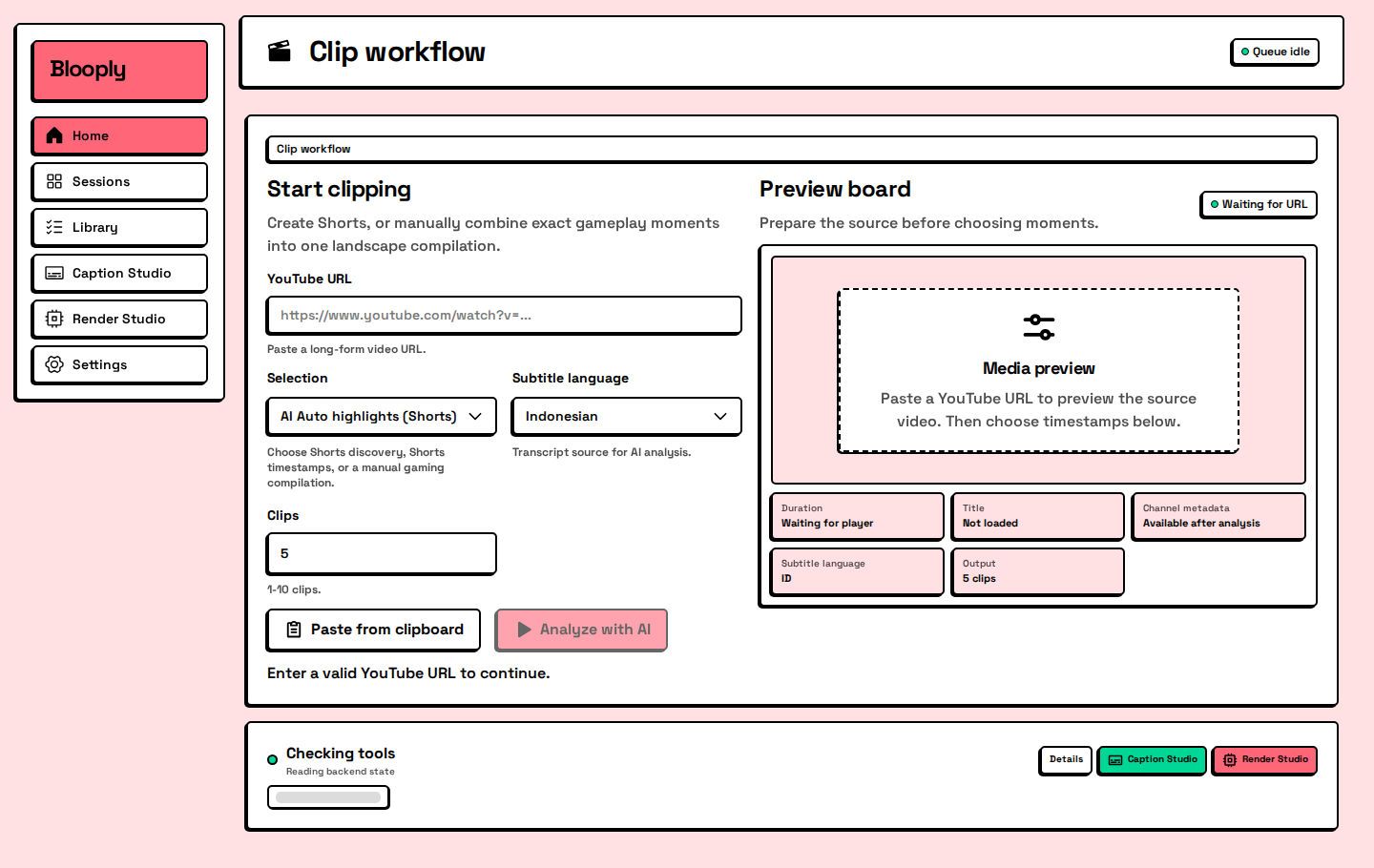
INSIDE BLOOPLY
Authentic screens from the real app. Fast, focused, and engineered for creators.
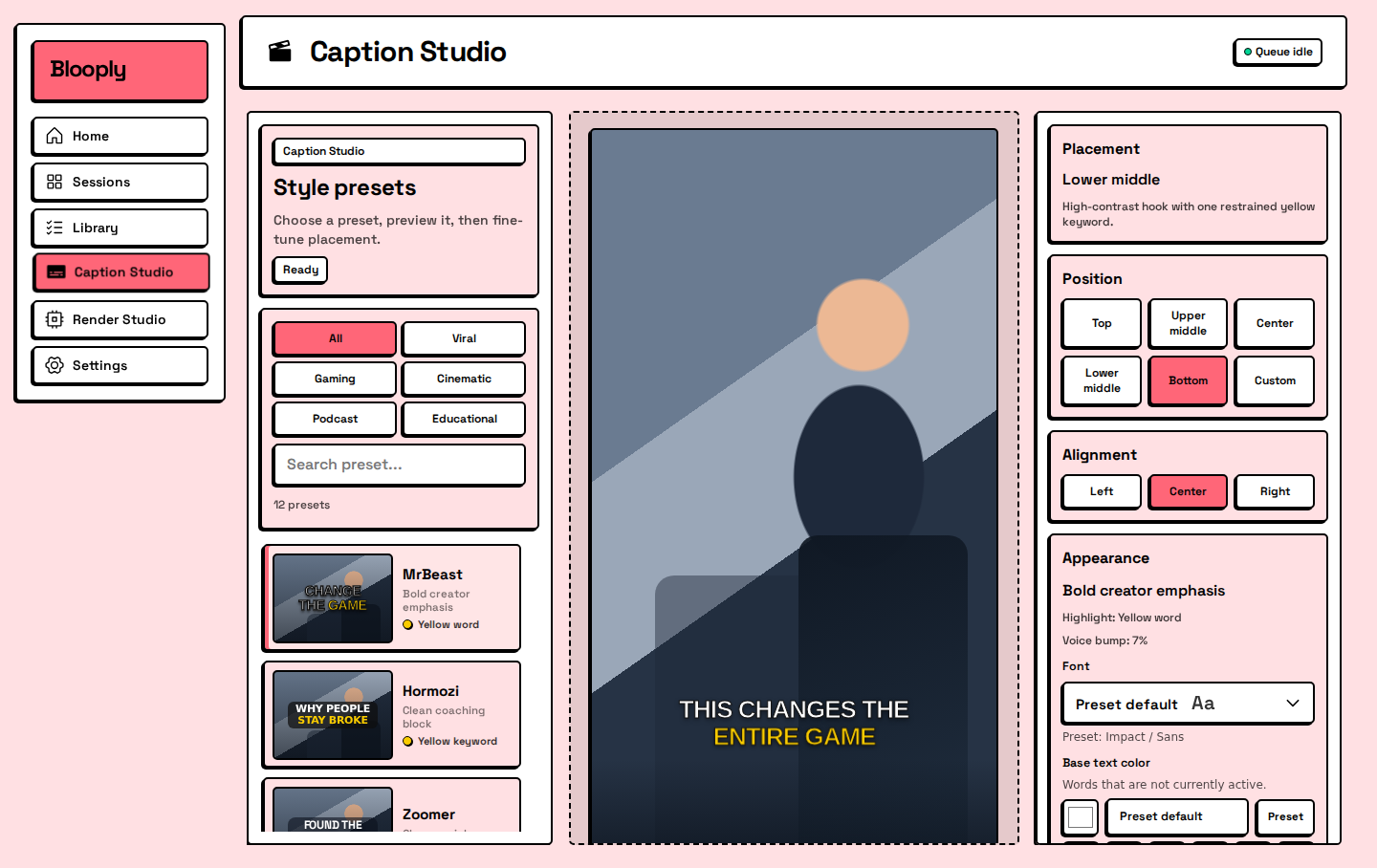
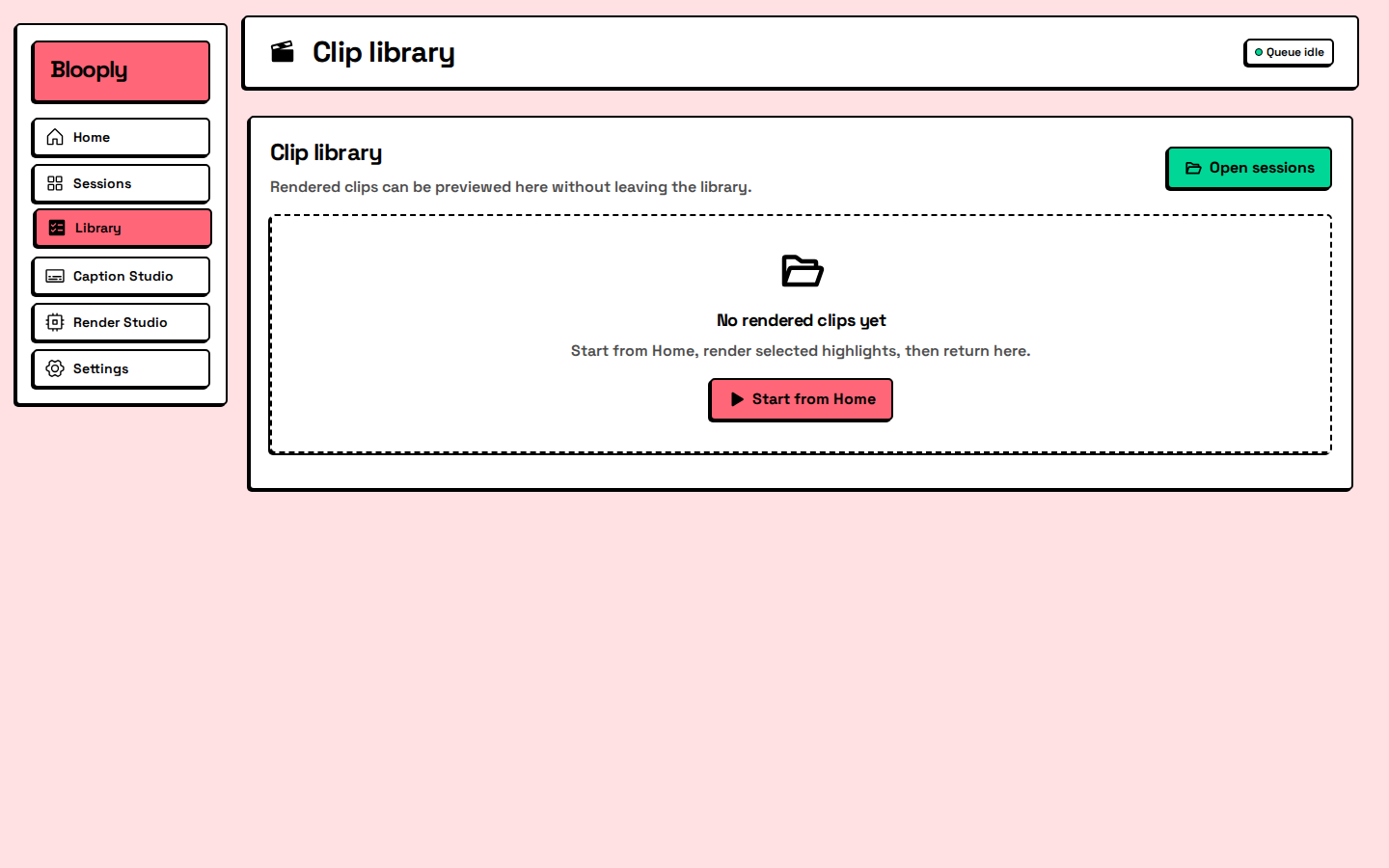
CORE CAPABILITIES
MediaPipe active-speaker tracking follows human faces across wide video frames automatically. Never rely on clumsy center crops again.
Transcripts are analyzed by your chosen LLM (Groq, Gemini, OpenAI, or local Ollama) to identify peak engagement moments and generate hook variations.
Word-level audio synchronization with animated bounce highlights, visual hook headline banners, and custom styling presets built in.
Direct headless browser uploading using your persistent local Chrome session. Auto-generates clean YouTube thumbnails with safe Private/Unlisted verification.
Zero video files ever leave your machine. Fast FFmpeg processing runs locally on your PC, with optional BYO Cloudflare R2 backup.
No monthly SaaS invoices. Connect your free Groq API key or pennies-per-run OpenAI/Gemini keys for truly unlimited video clipping.
REAL RENDERS
Three clips straight from the render queue. No retouching.
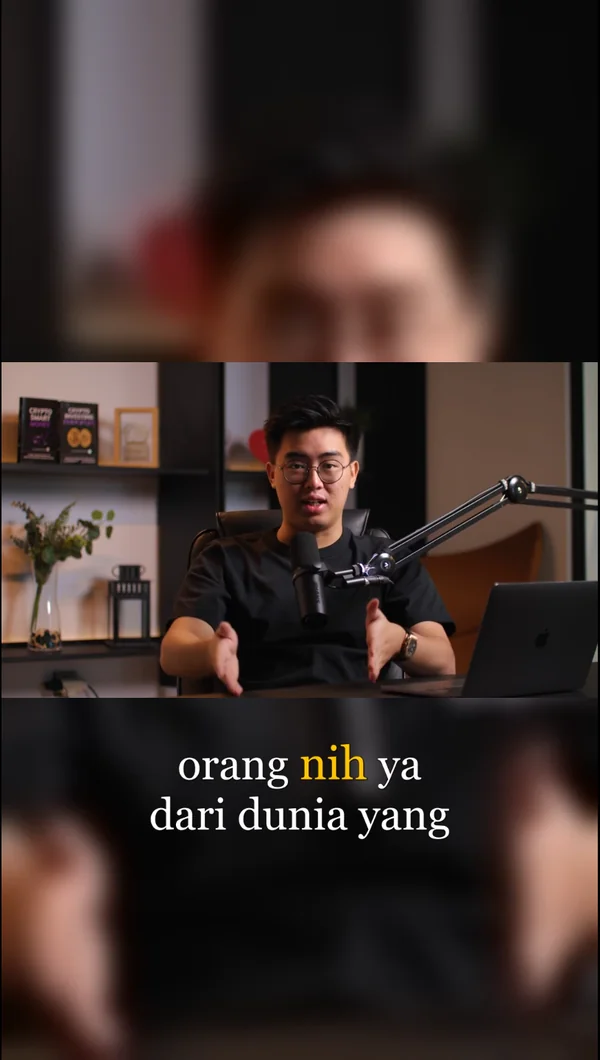
The speaker stays framed, karaoke captions underneath.
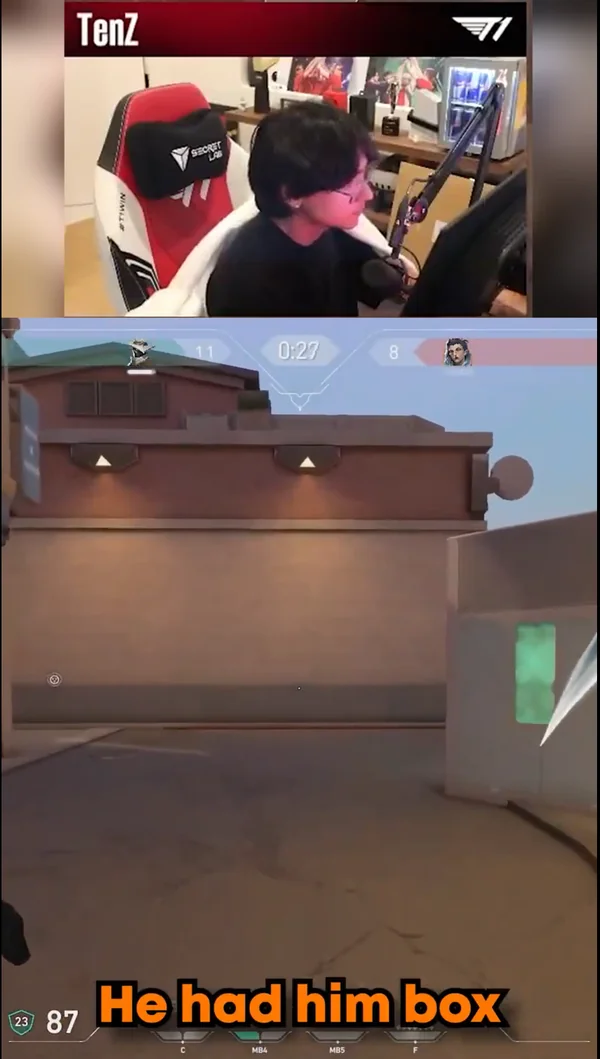
Facecam stays up top, hook text over the gameplay.
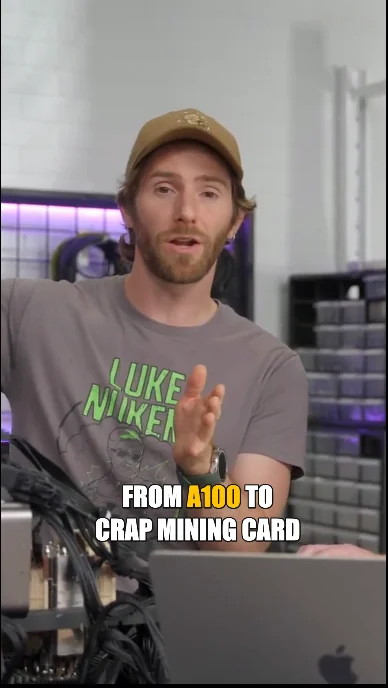
A bold hook with the key word picked out.
THE DIFFERENCE
Why pay monthly fees for cloud queues when your PC can do it faster and privately?
| Feature | Blooply Desktop | Cloud AI Clippers (Opus/Klap) |
|---|---|---|
| Pricing Model | Buy once, no subscription (BYO Key) | $19 – $99 / month recurring |
| Usage Limit | Unlimited video exports | 60 – 150 minutes credit cap |
| Privacy & Files | 100% on your local disk | Uploaded to remote 3rd party servers |
| Speaker Reframe | MediaPipe FaceLandmarker Tracking | Basic center crop or paid add-on |
| YouTube Upload | Automated direct Studio publish | Download MP4 & manual re-upload |
| AI Choice | Groq, OpenAI, Gemini, Ollama | Locked proprietary black-box |
👈 Swipe table sideways to compare 👉
PRICING
No tiers, no monthly bill. The list price drops while the launch offer runs.
Blooply Lifetime
Save 75%One-time payment · no renewal
Secure checkout by QRIS · your license arrives by email
FREQUENTLY ASKED
The things buyers ask before they install.
Windows 10 or 11, 64-bit. A 4-core processor and 8 GB of memory are enough to start. 6 cores and 16 GB make renders noticeably faster. You need about 3 GB of free disk space: 1 GB for the install, the rest as working room while rendering. A dedicated graphics card is optional; the graphics built into an Intel or AMD processor will do.
Any OpenAI-compatible endpoint! You can use Groq (fast, with a generous free tier), Google Gemini, official OpenAI, or completely offline local models via Ollama.
Yes. Publishing uses a persistent local Chrome profile on your PC without third-party OAuth intermediaries. Uploads default safely to Private until you approve.
One payment, lifetime license, no subscription, for up to 2 Windows PCs. You enter the key once on each PC at first launch and it is remembered. Nothing renews and nothing expires.
Only to activate and to publish to YouTube, plus whatever your chosen AI provider needs. Activation is remembered on the PC, and the app keeps working offline inside its grace window if the license server cannot be reached.
Release the seat from your old PC first, or contact support with your purchase receipt.
Stop leaving long-form video views on the table. Turn podcasts, streams, and tutorials into high-retention Shorts in minutes.
Buy once · Lifetime license · Up to 2 Windows PCs · No subscription